Drop in your screens
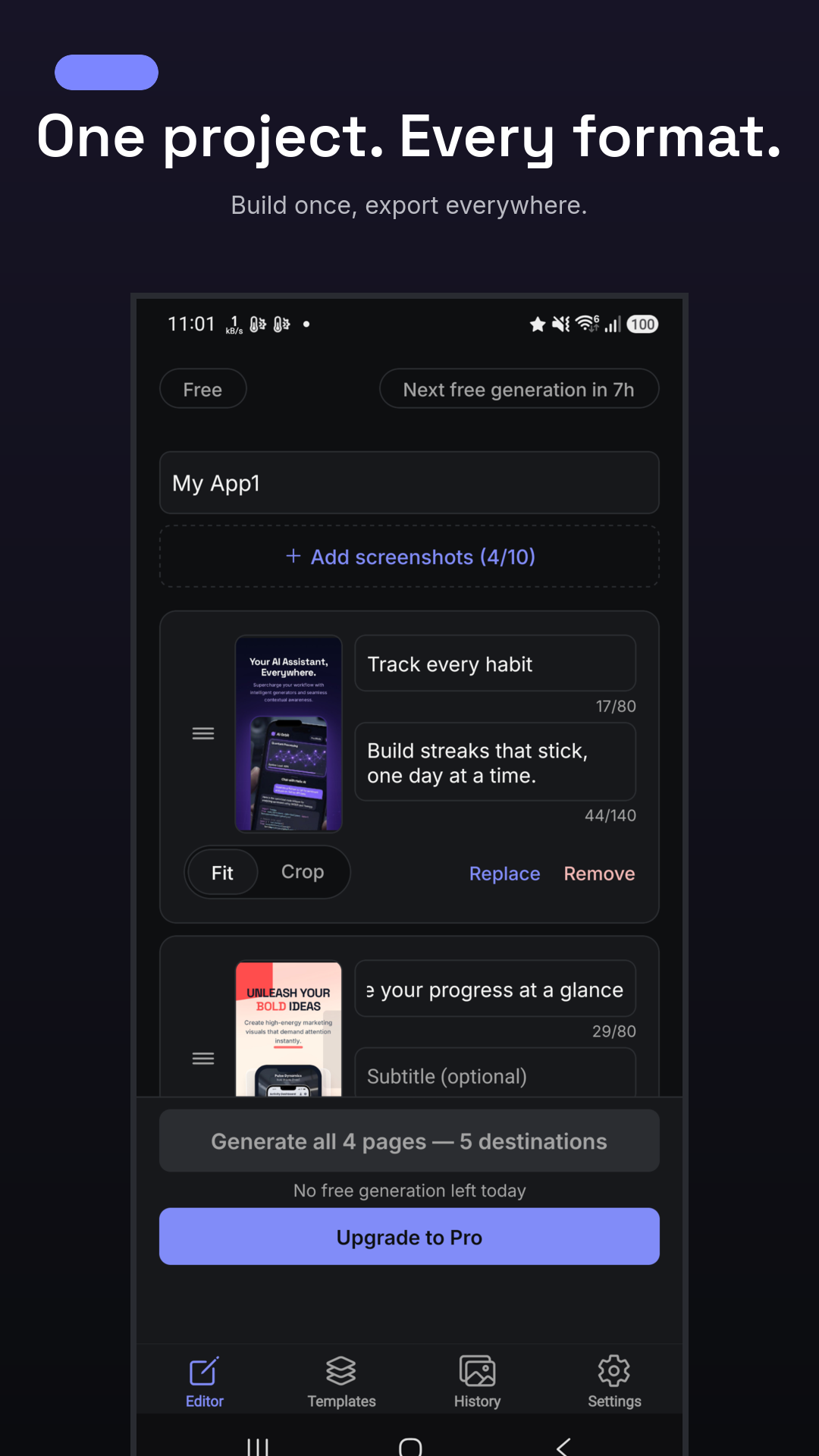
Add up to ten app screenshots or product photos to a single project.
 Mockup Maker
Get the app
Mockup Maker
Get the app
New: one-tap AI Studio
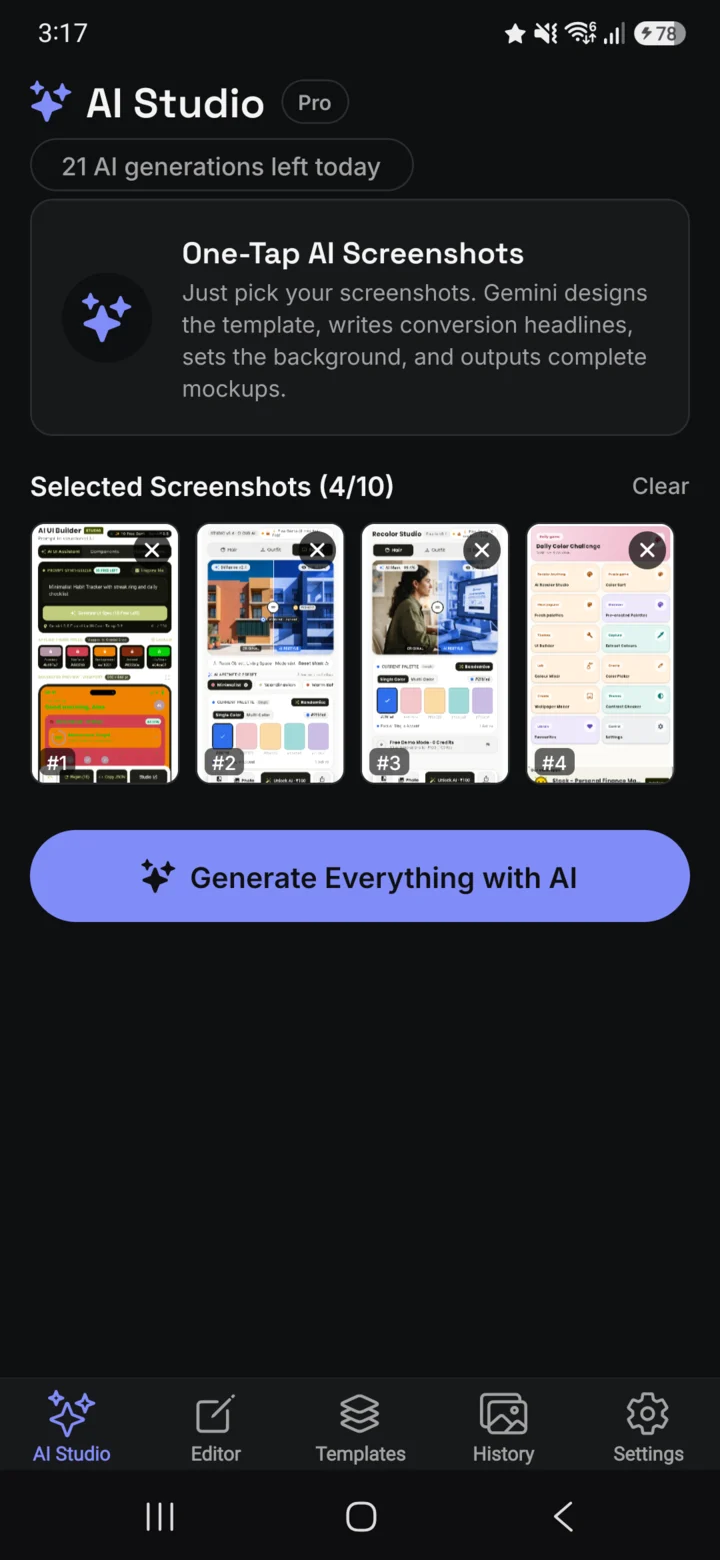
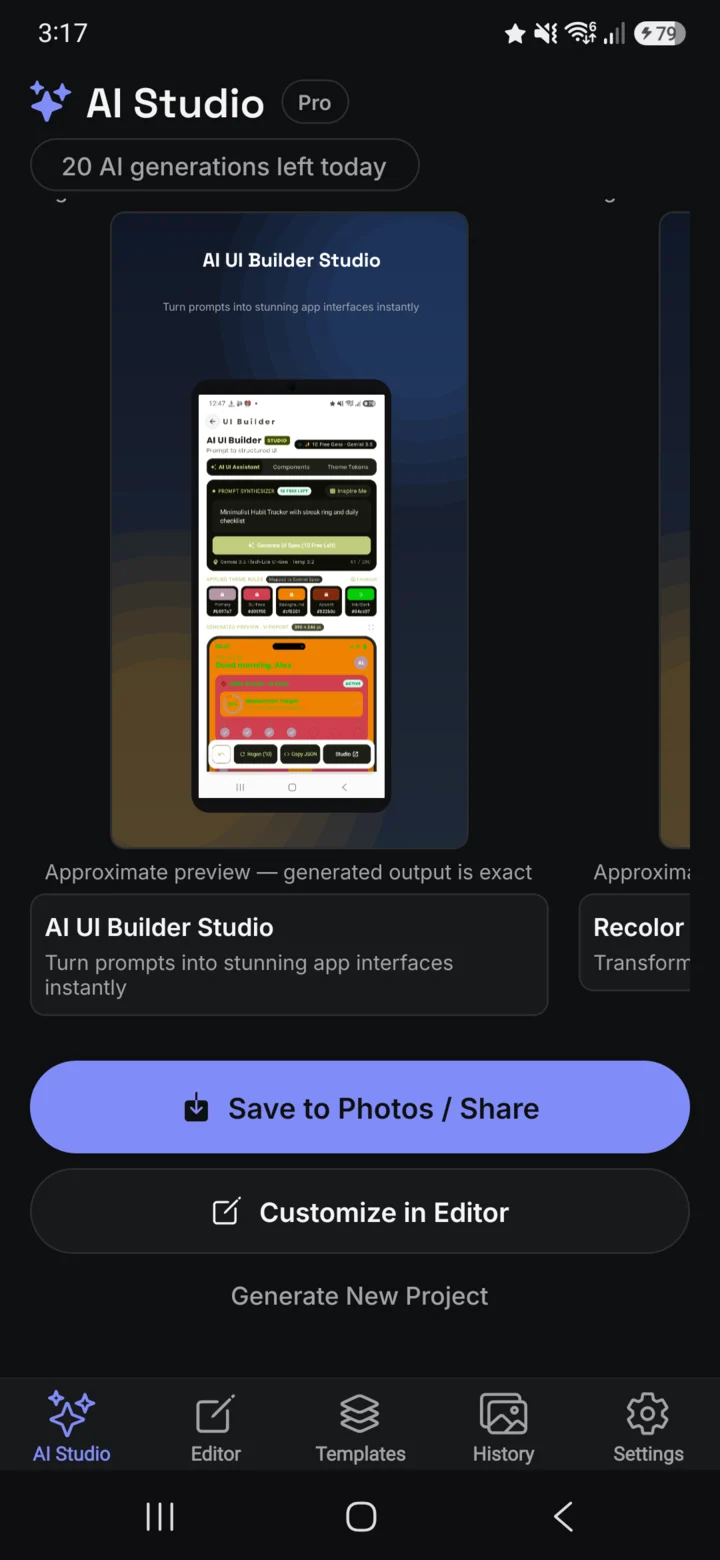
Pick your app screenshots. AI Studio chooses the template, designs a background in your brand colors and writes every headline—then exports every store and ad size in one tap. Prefer to steer? Tune every detail yourself.
AI Studio
AI Studio reads your screenshots, picks a template and device frame, designs a background in your app’s own colors and writes a headline for every screen. Edit anything afterwards.
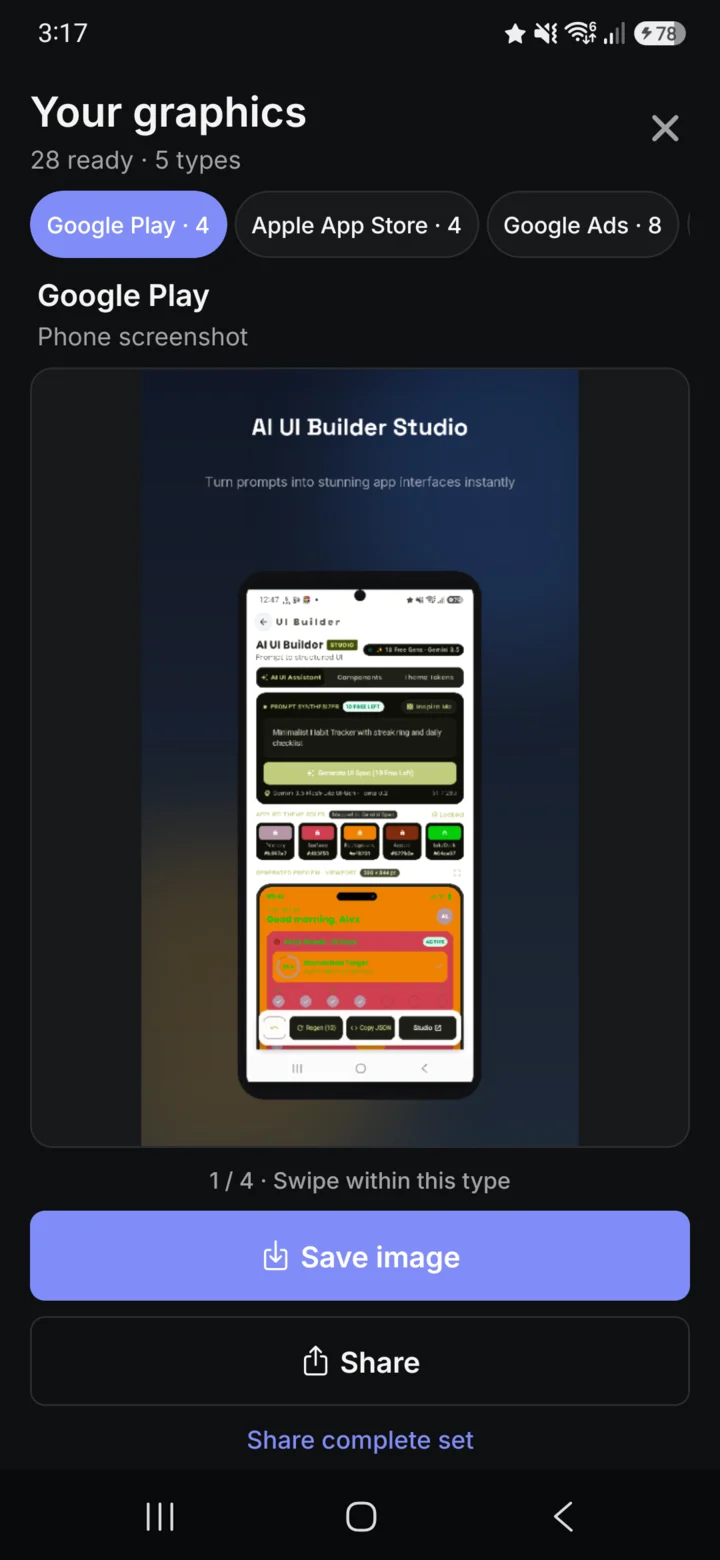
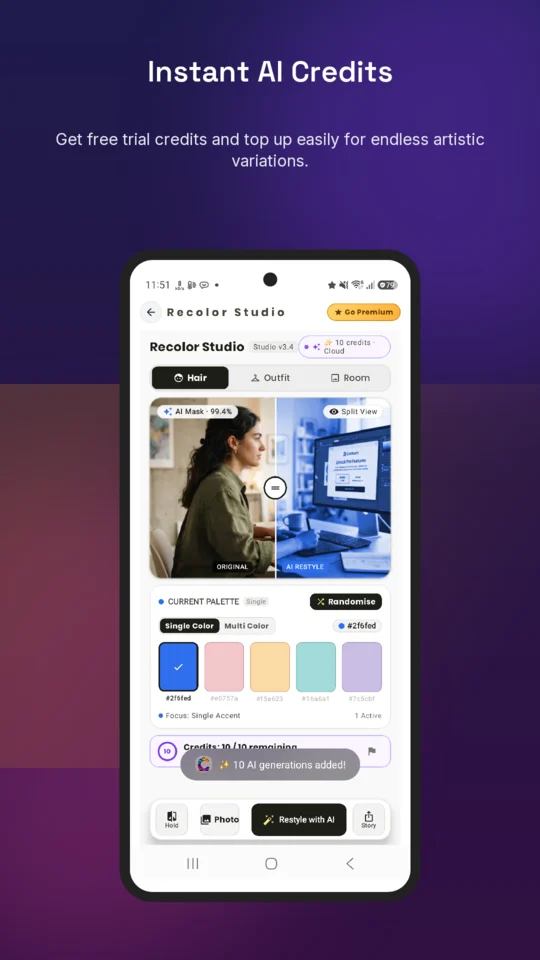
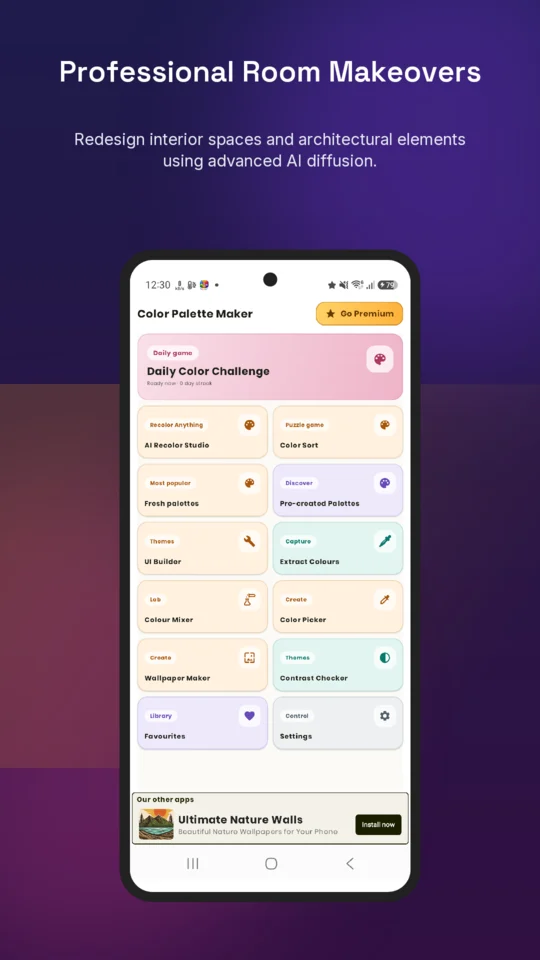
Real AI Studio output · two apps, two looks · unedited
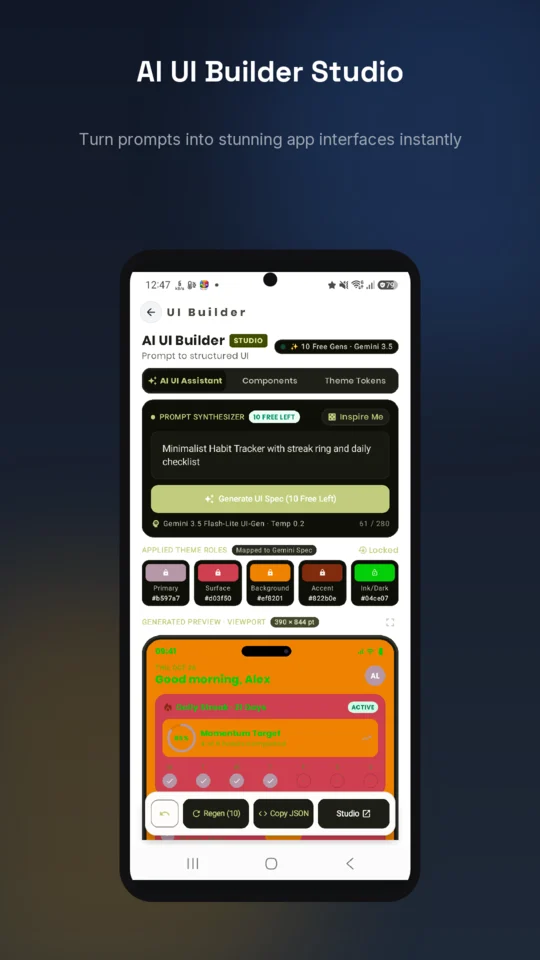
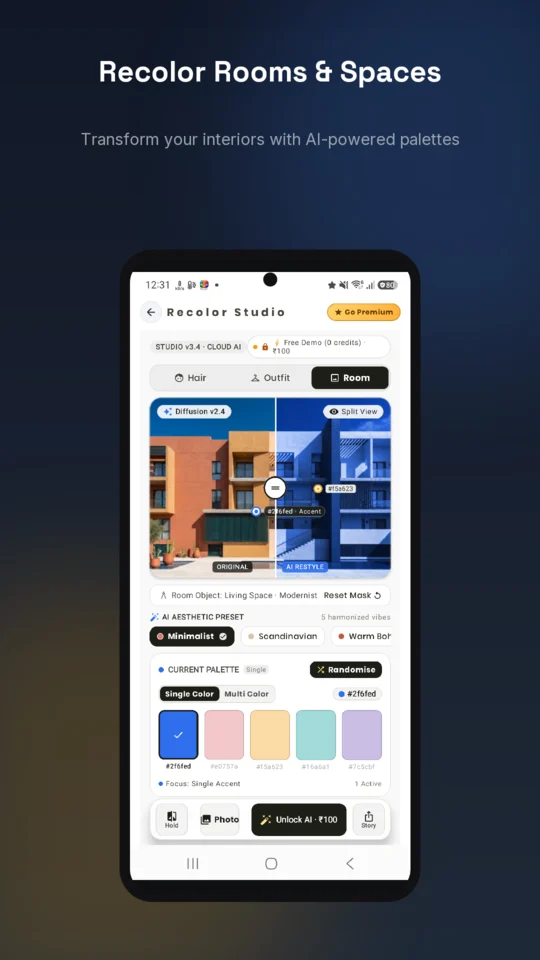
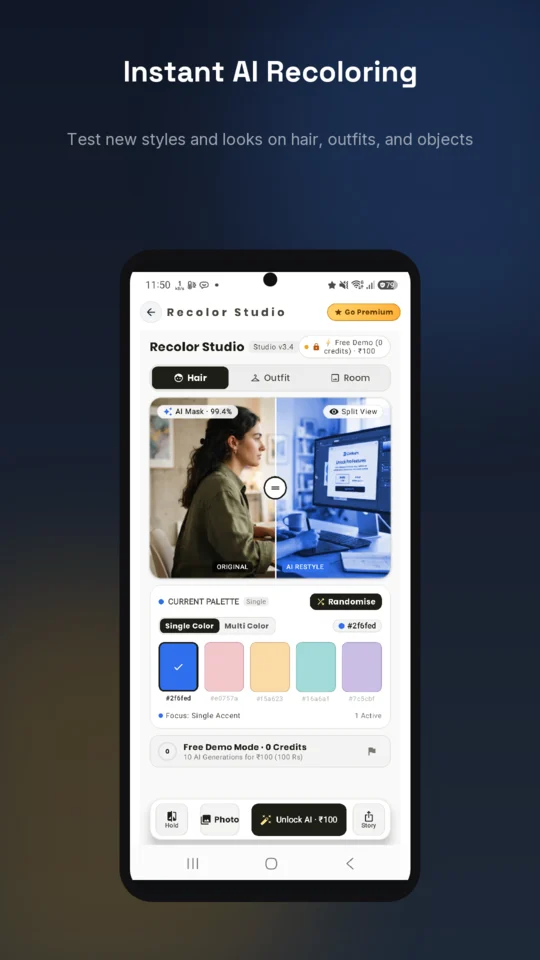
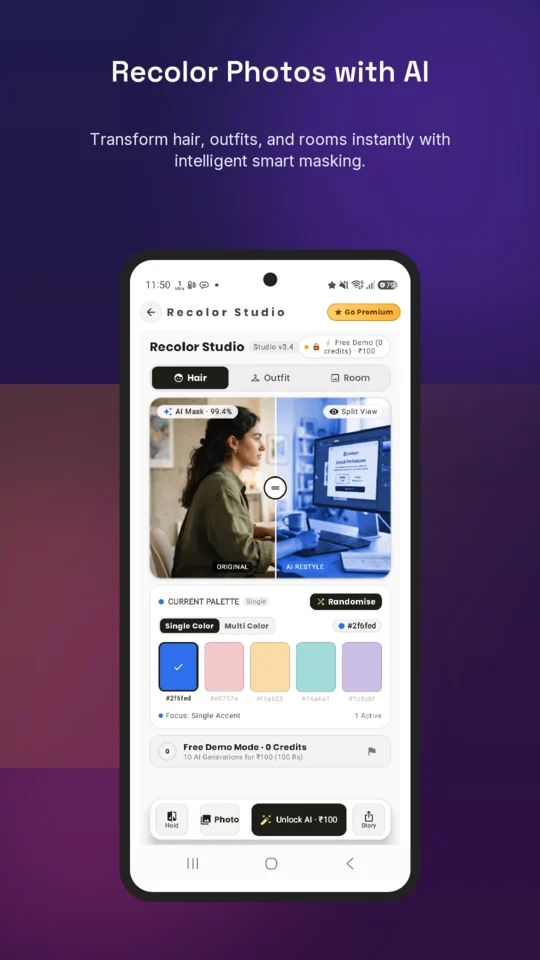
One clean workflow
Add up to ten app screenshots or product photos to a single project.
AI Studio picks a template and frame, designs a background and writes every headline. Prefer control? Choose a template and tune copy, fit, crop and frame.
Get store listings and ad creative at exact platform dimensions in one run.
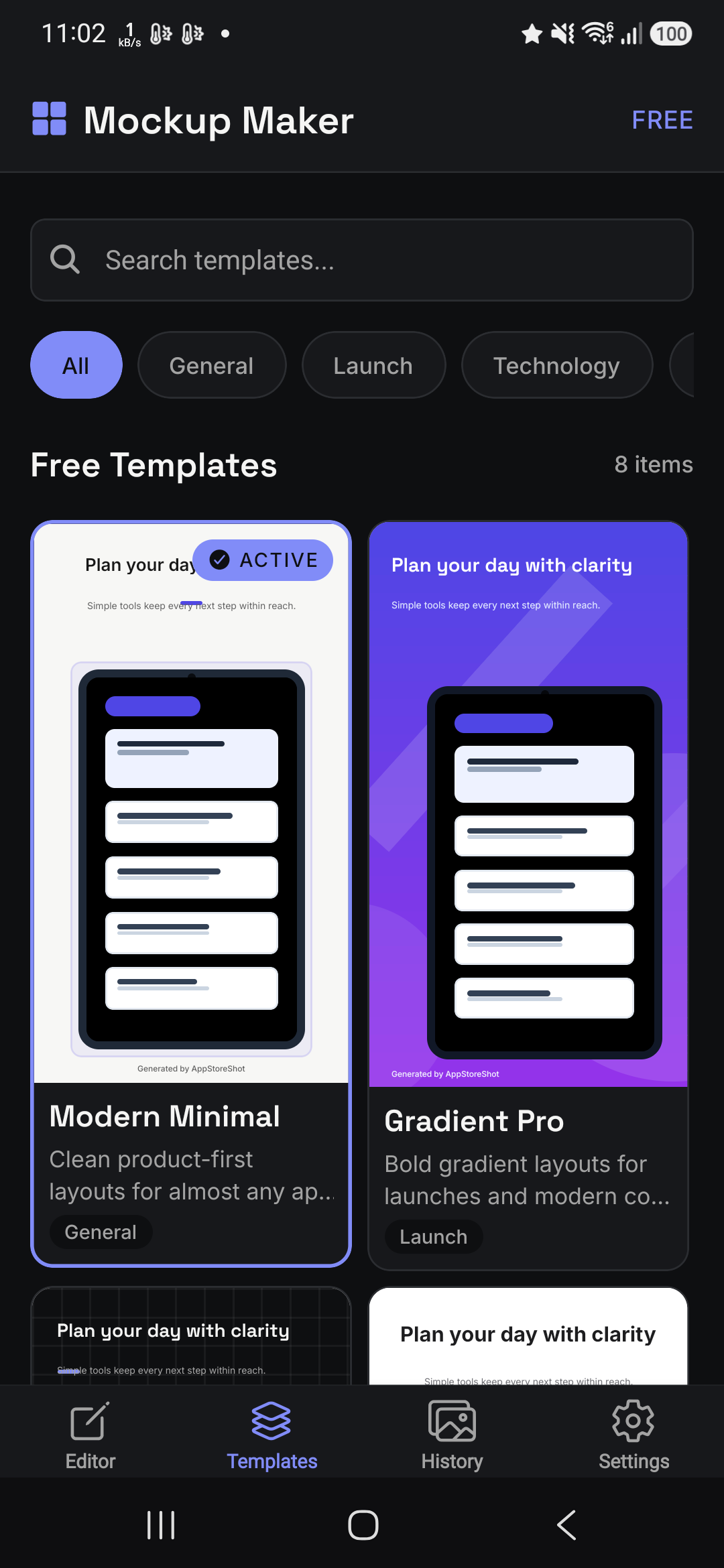
Templates with a point of view
From precise product launches to high-energy ad creative, every style keeps your screenshots in focus.
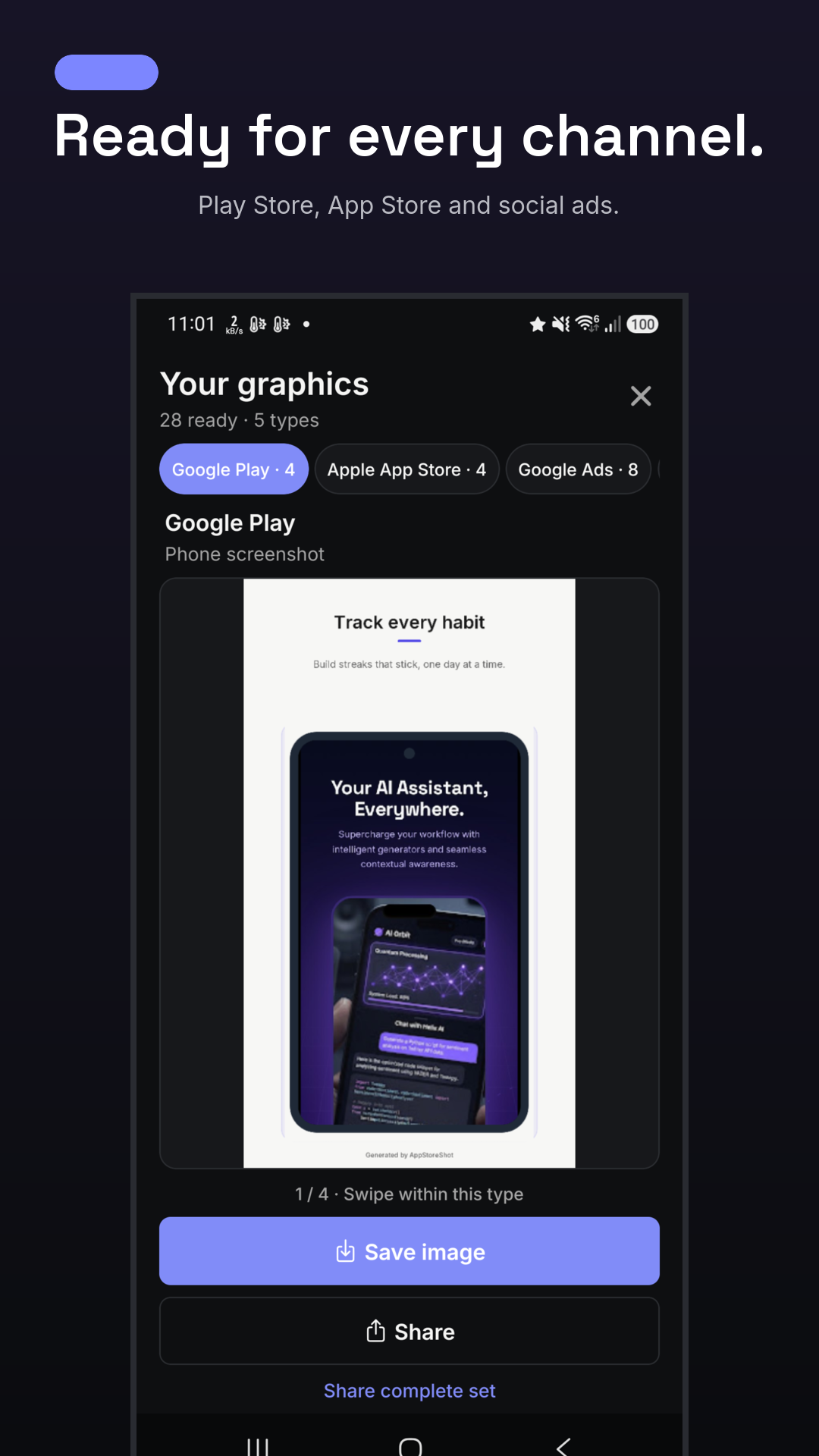
No resizing spreadsheet required
Sizes per screenshot: seven exact formats from every page, in one run.
Phone screenshots, 1080×1920.
iPhone 6.7″ screenshots, 1290×2796.
Square 1:1 and landscape 1.91:1.
Feed 1:1, Stories/Reels 9:16 and TikTok in-feed 9:16.
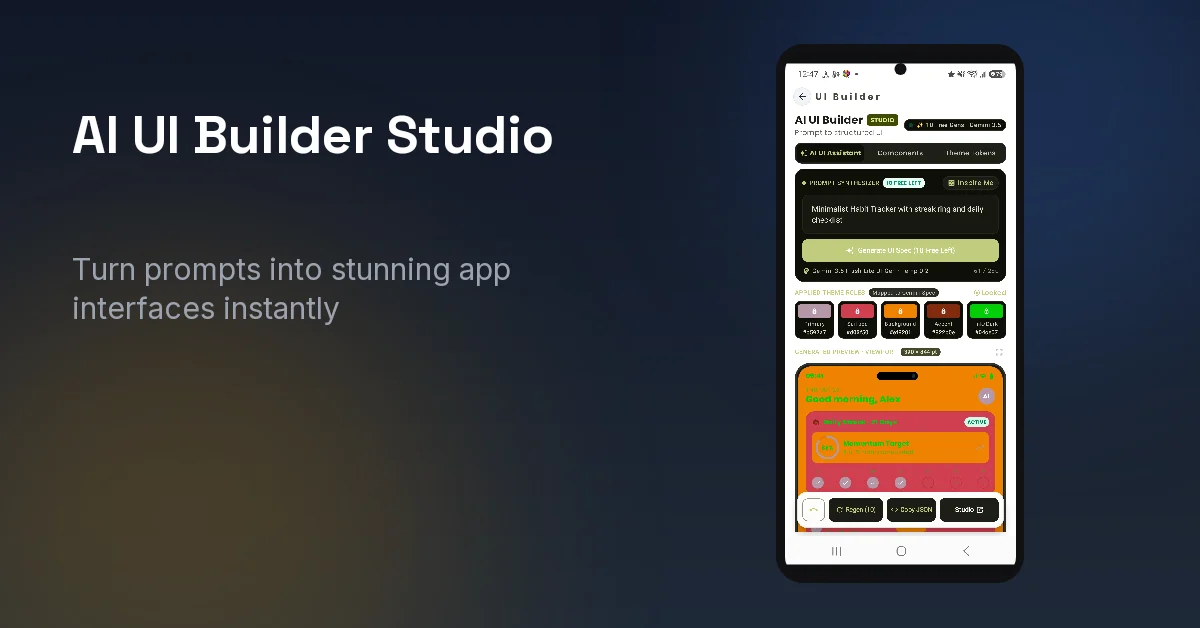
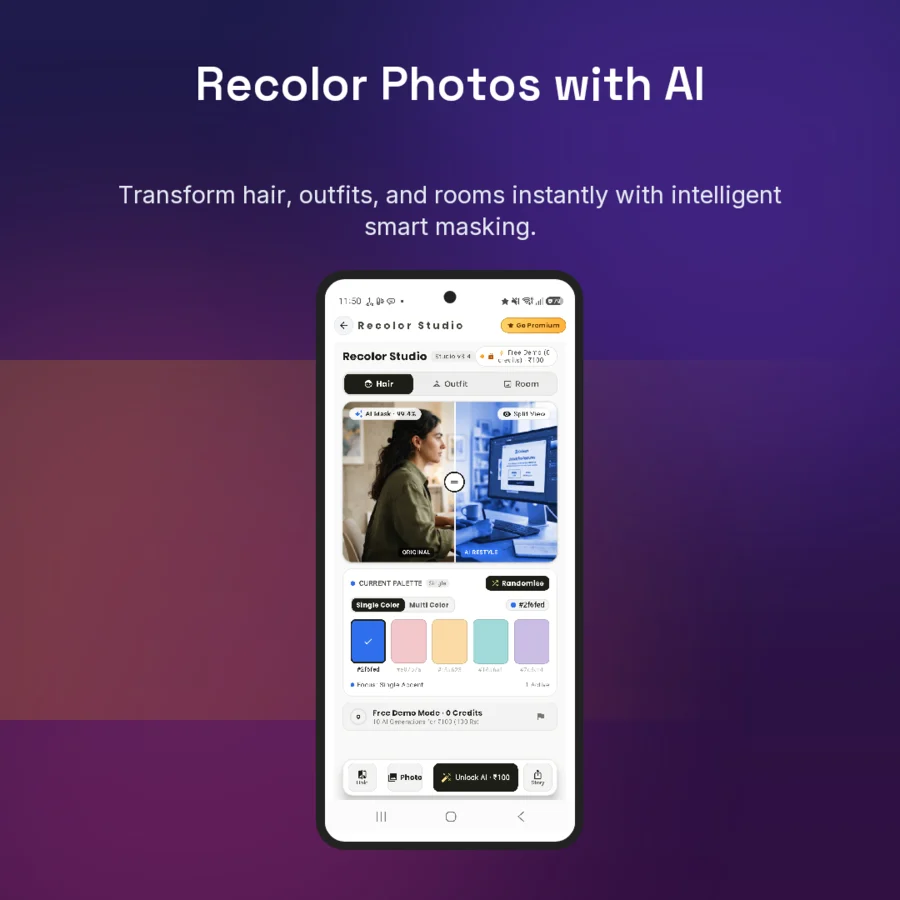
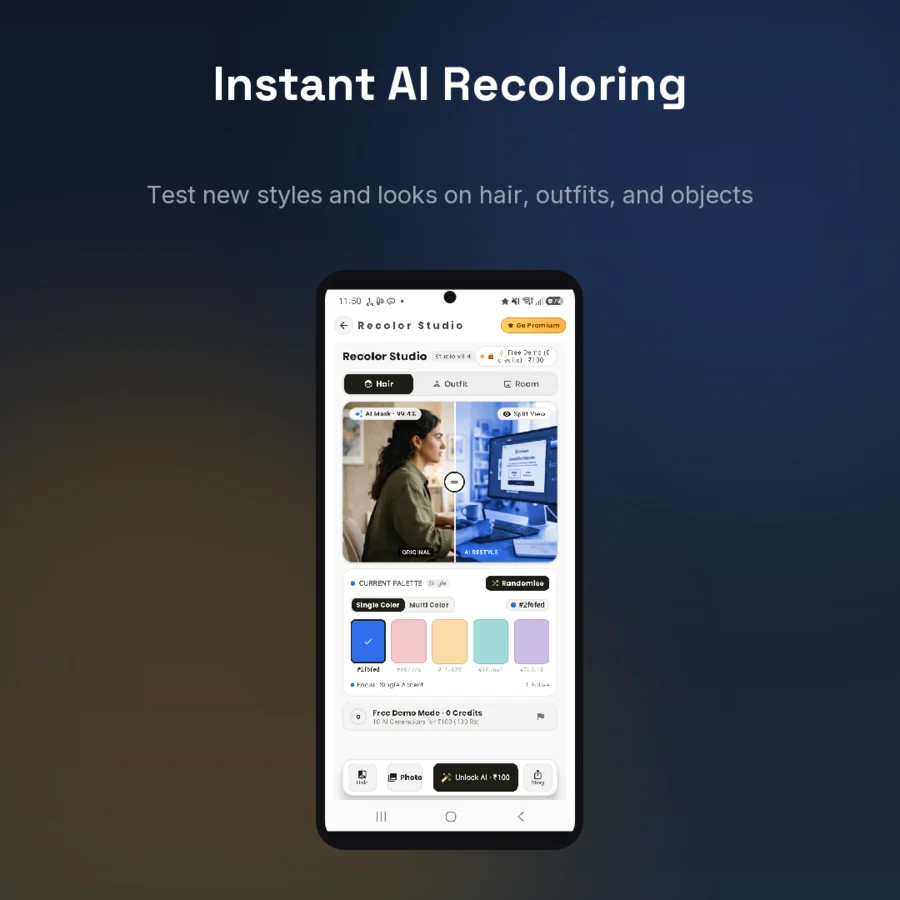
Made with AI Studio
Real exports from a single AI Studio run—ad and social sizes come out of the same tap as the store screenshots.
Your next launch can look finished
Mockup Maker for Android. Let AI Studio design your next launch in one tap, or build it yourself with 39 templates.
Get it on Google Play Android 7.0 and up. Free to start · AI Studio with Pro, free trial for eligible new subscribers.