
Android · Art & Design
Color Palette Maker
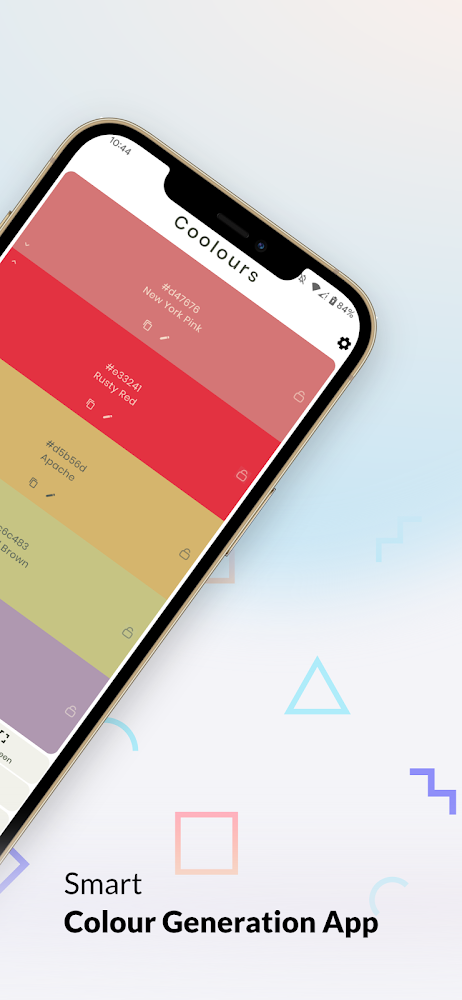
Generate a palette, fine-tune each color, see it on real buttons, cards and forms, then export it straight into your project. It also turns any palette into a phone wallpaper.
- 10K+Downloads
- Art & DesignCategory
- Sep 10, 2026Last updated
Screenshots
Straight from the Google Play listing. Scroll sideways for more.
What it does
-
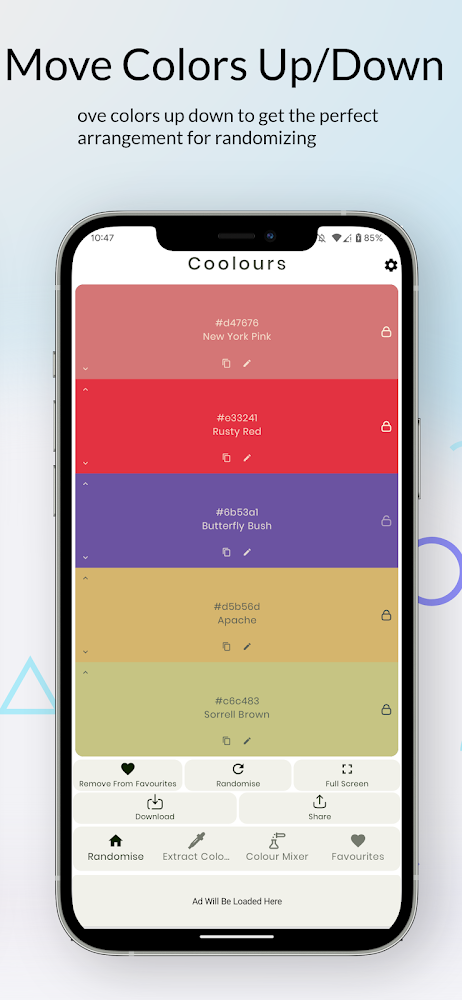
Palette generator
Fresh random combinations whenever you need a starting point.
-
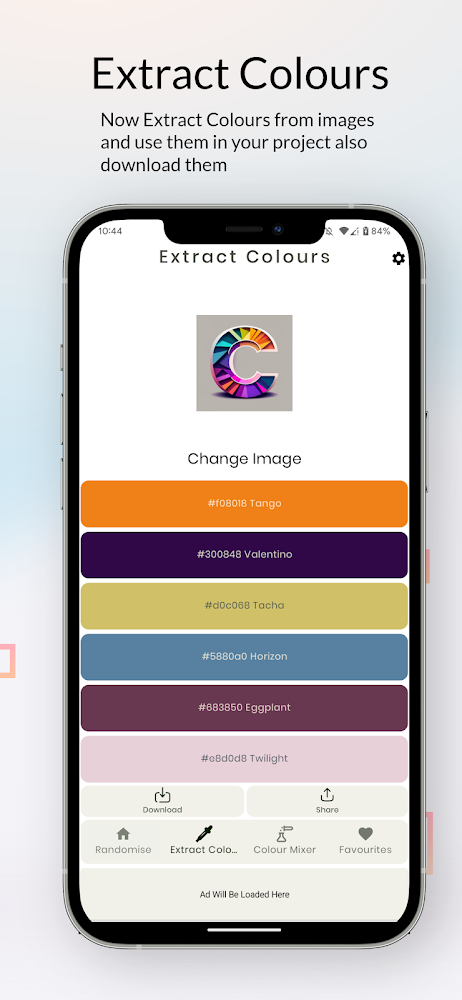
Color picker
Pick and edit any color, build custom palettes and preview changes instantly.
-
Tone explorer
Lighter tints, darker shades and warm or cool variations, side by side.
-
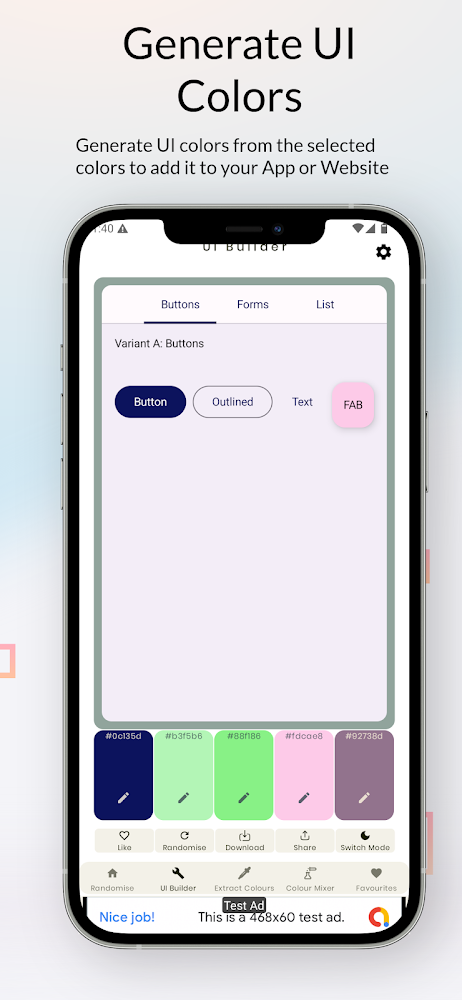
UI theme preview
See your colors on buttons, forms, lists, cards, chips, sliders, switches and a messaging screen.
-
Material 3 colors
Primary, secondary, tertiary, background, surface and container colors for Android themes.
-
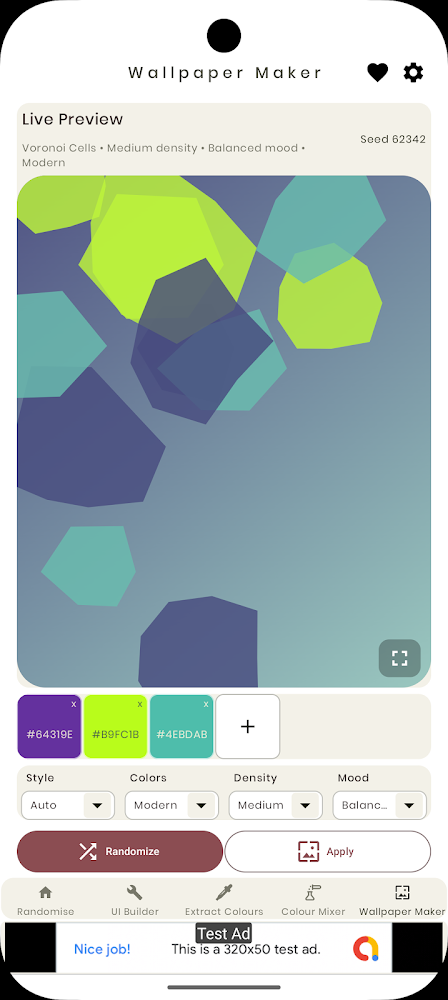
Wallpaper maker
Turn any palette into a simple, modern phone wallpaper.
-
Developer exports
JSON, HEX, CSV, CSS variables, SASS, LESS, Android XML, Jetpack Compose Material 3 theme files and PNG.
-
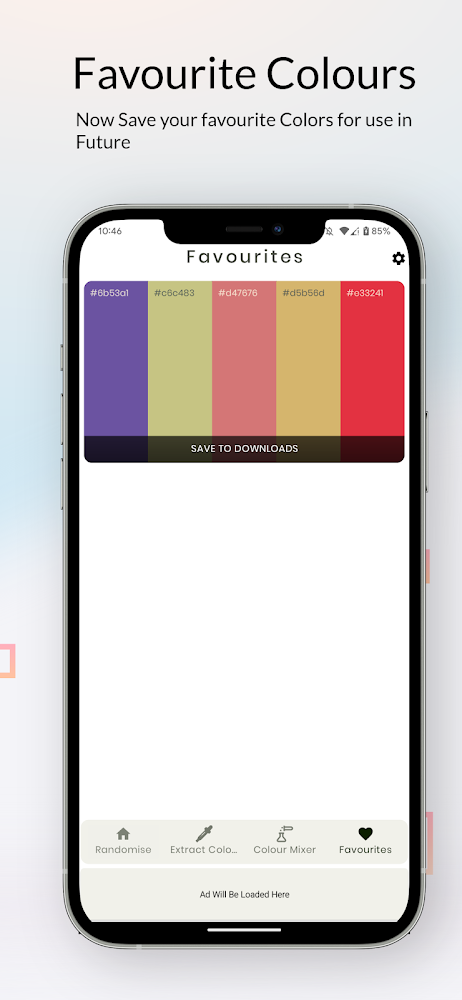
Saved favourites
Build a personal library of palettes for different ideas and projects.
-
Light and dark preview
Check how a palette holds up in both themes before you commit.
Who it’s for
- DesignersUI/UX, graphic, branding and logo designers.
- DevelopersAndroid and web developers who want theme files they can drop in.
- CreatorsArtists, students and anyone looking for color inspiration.
Questions
Which export formats are supported?
JSON, HEX, CSV, CSS variables, SASS, LESS, Android XML, Jetpack Compose Material 3 theme files and a PNG palette image.
Can I preview a palette on a real interface?
Yes. The UI preview shows your colors on common components, and the Material 3 view shows full theme roles in light and dark.
Is it free?
It is free to download. It contains ads and offers in-app purchases.