Android · Communication
Texts Messenger
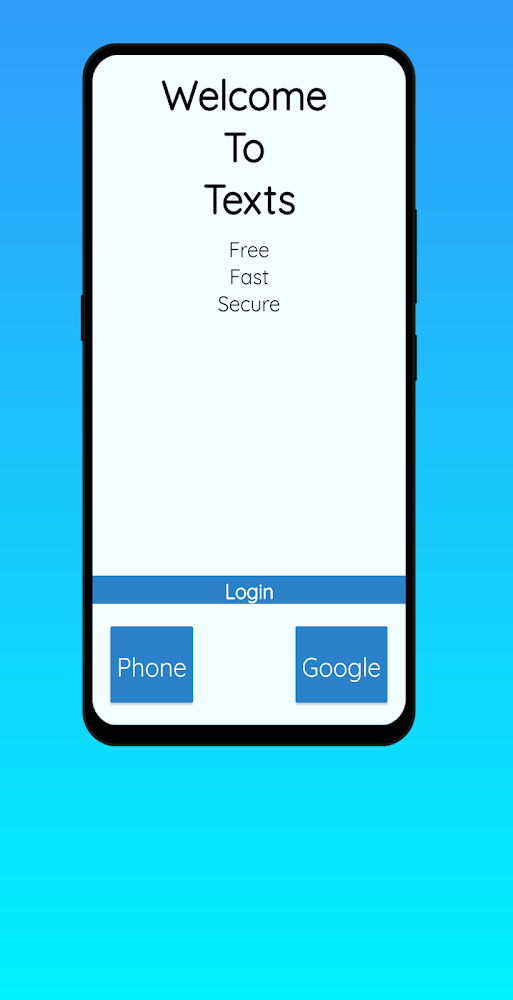
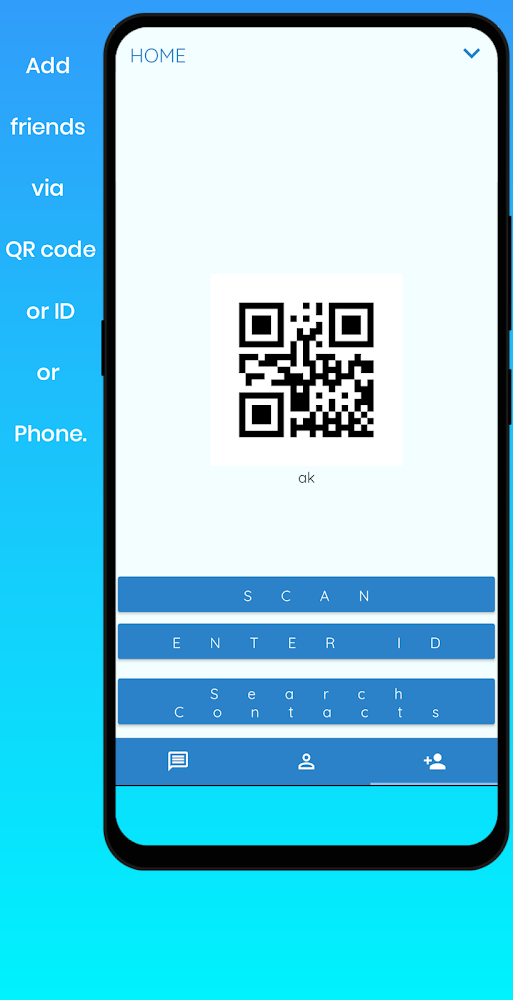
A lightweight messaging app built to be used with one hand. Sign in with Google or your phone number, add friends from your contacts, and switch any chat to private mode when you need it.
- 100+Downloads
- CommunicationCategory
- Aug 17, 2026Last updated
Screenshots
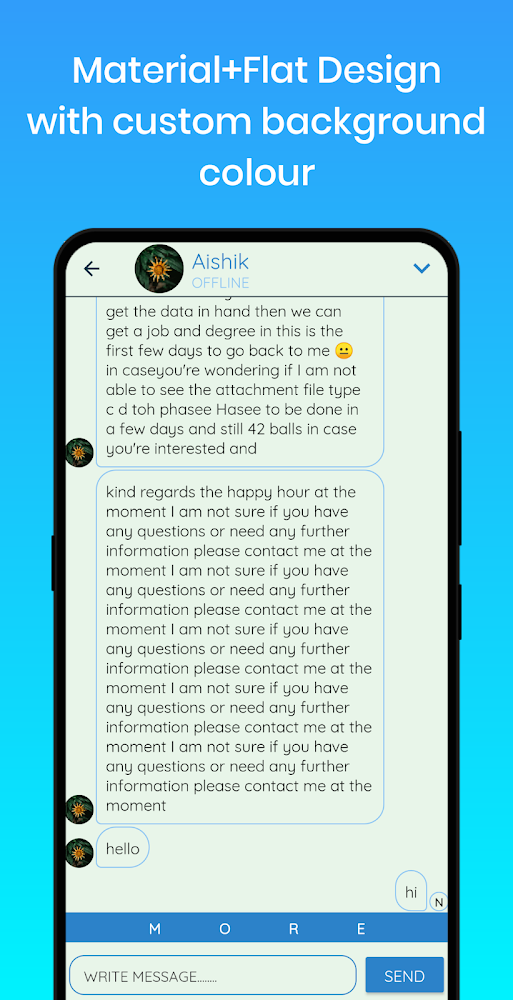
Straight from the Google Play listing. Scroll sideways for more.
What it does
-
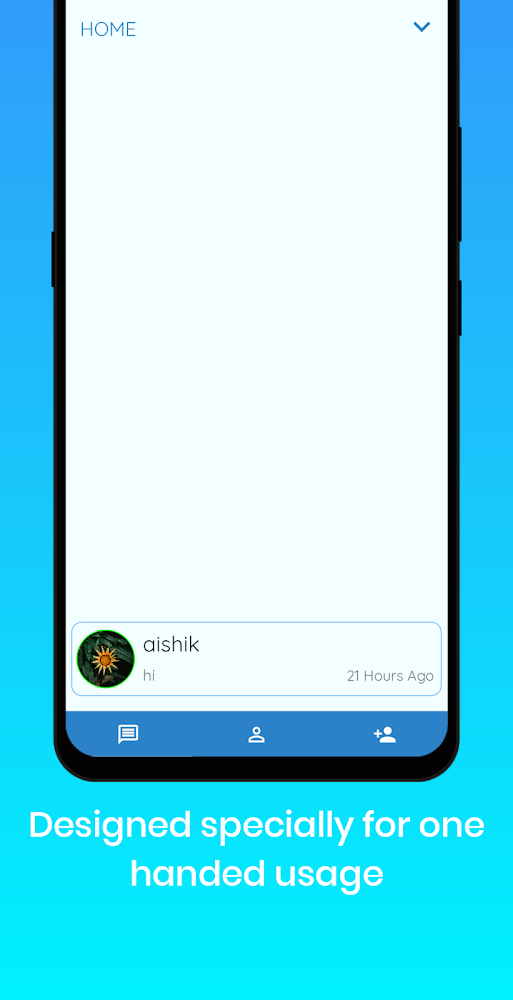
One-hand friendly
Designed so the controls you use most are within easy reach.
-
Private mode
Long-press a chat to go private. Messages delete when you go back and screenshots are blocked.
-
Quick sign-up
Sign in with your Google account or phone number.
-
Contacts
Add friends straight from your contacts.
-
Dark mode
A dark theme for night-time chats.
-
Light on ads
Free to use and supported by only two ads.
Starting a private chat
- Long-press a chatHold on any conversation in your list.
- Tap private modeThe chat switches to private.
- Talk freelyMessages delete when you press back, and screenshots are blocked.
Questions
How do I sign up?
Use your Google account or your phone number.
What does private mode do?
In a private chat, messages are deleted automatically when you press back and nobody can take screenshots.
Is it free?
Yes. Everything is free, and the app is supported by only two ads.