Android · Privacy
File Vault Private & Encrypted
Some files shouldn’t sit in your regular gallery. File Vault stores them encrypted inside the app, locked behind a PIN, so other apps can’t read them and nobody can open them without your code.
- 100+Downloads
- ToolsCategory
- Aug 23, 2026Last updated
Screenshots
Straight from the Google Play listing. Scroll sideways for more.
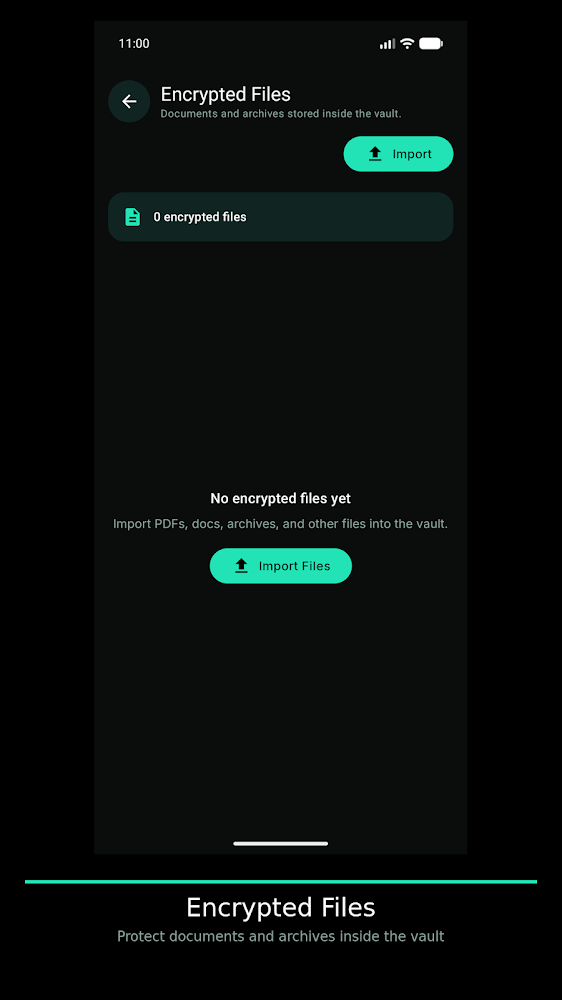
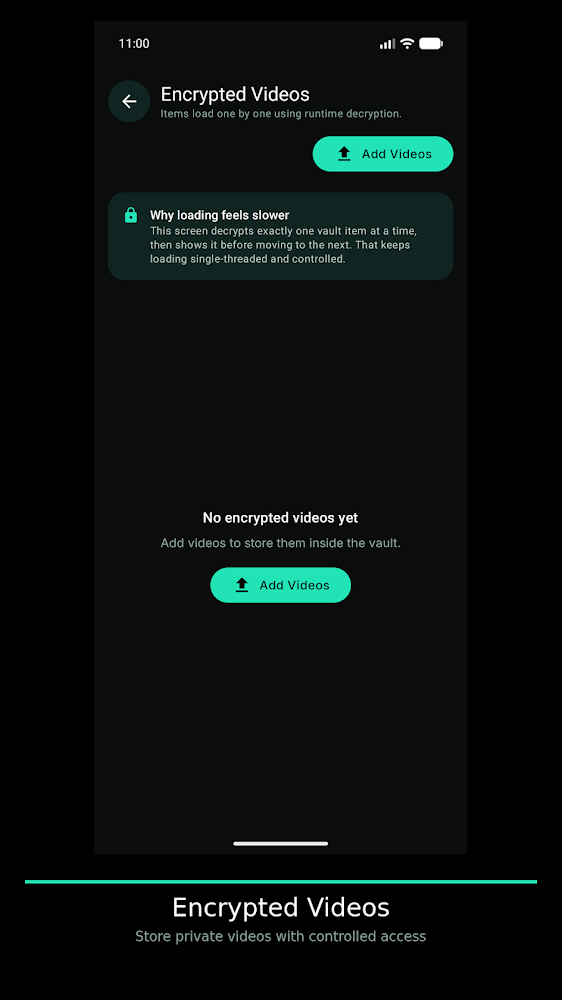
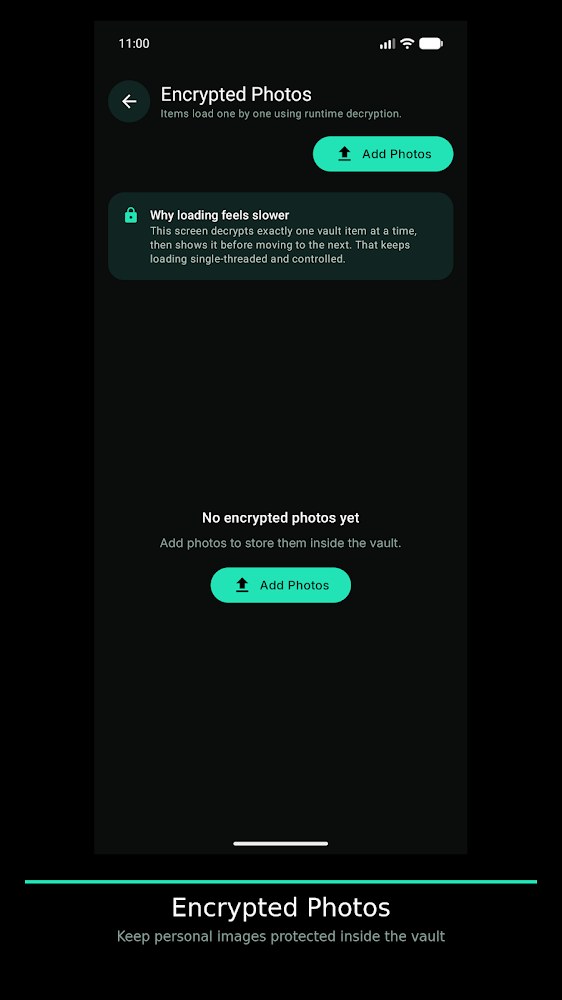
What it does
-
Encrypted storage
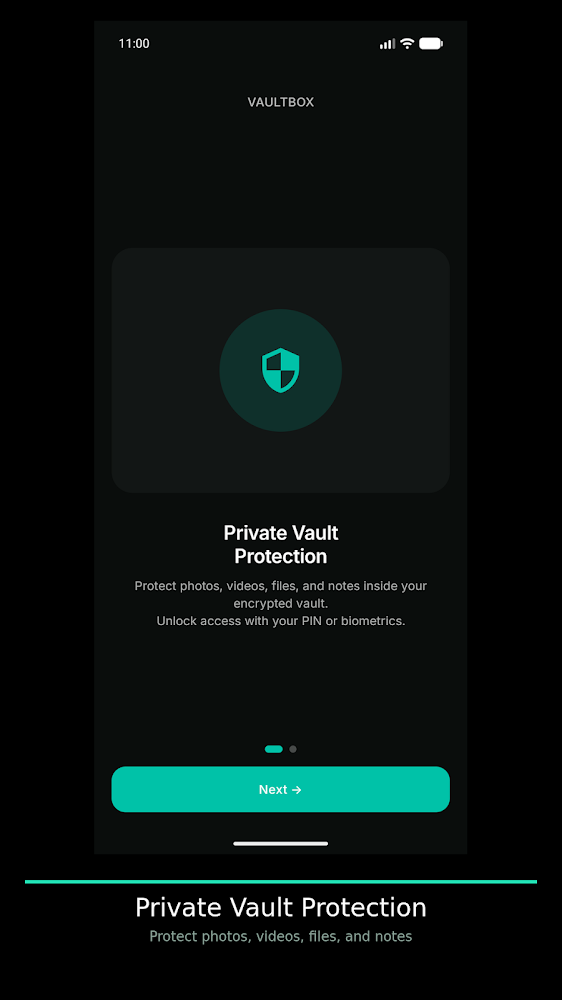
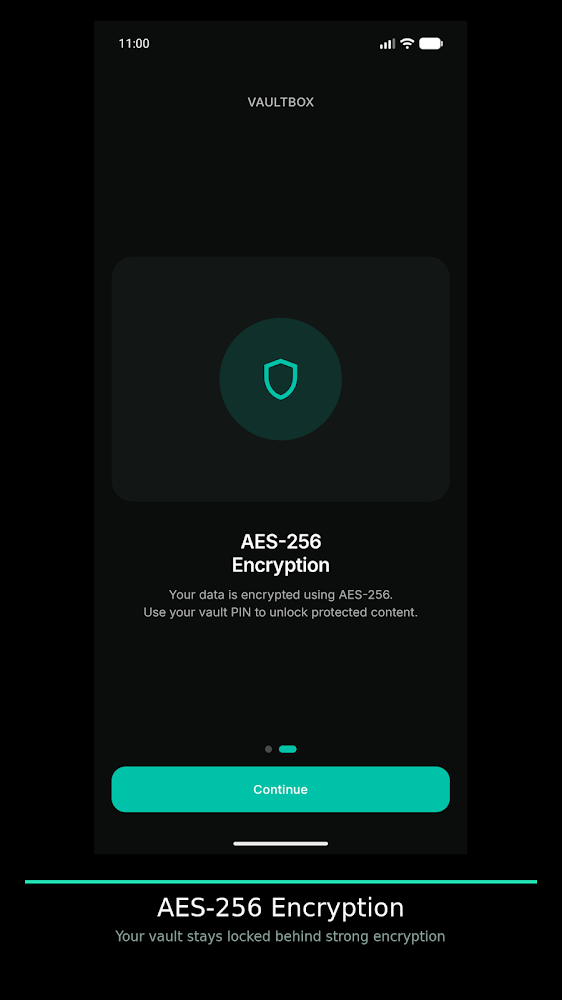
Files are saved encrypted, so other apps on the phone can’t access them.
-
PIN protected
Nobody can open the vault without your secure PIN.
-
Photos and videos
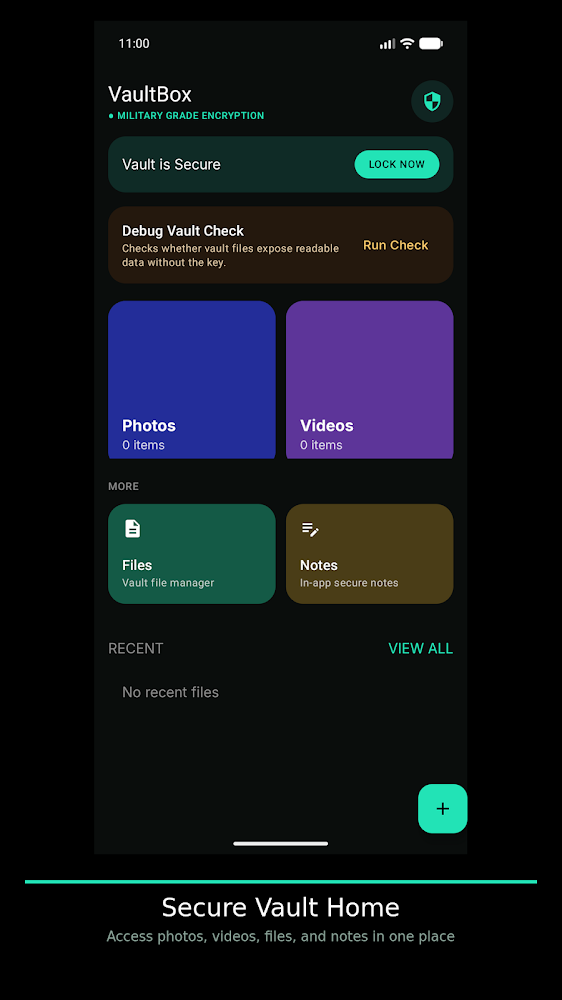
Keep private images and videos out of your main gallery.
-
Files and notes
Store documents and write private notes in the same place.
How it works
- Set a PINChoose the code that unlocks your vault.
- Add your filesMove in images, videos, files or notes.
- Stay privateEverything stays encrypted until you unlock it with your PIN.
Questions
What can I store?
Images, videos, files and notes.
Can other apps see my vault files?
No. Files are stored encrypted and can’t be accessed without the password.
Is it free?
Yes, it is free to download. It contains ads.