Android · Tools
CPU Throttling Test
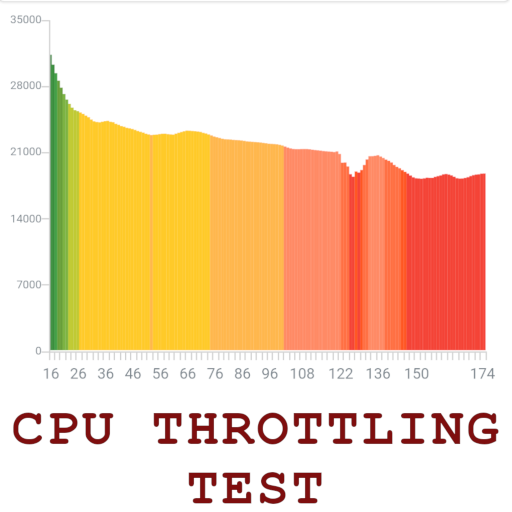
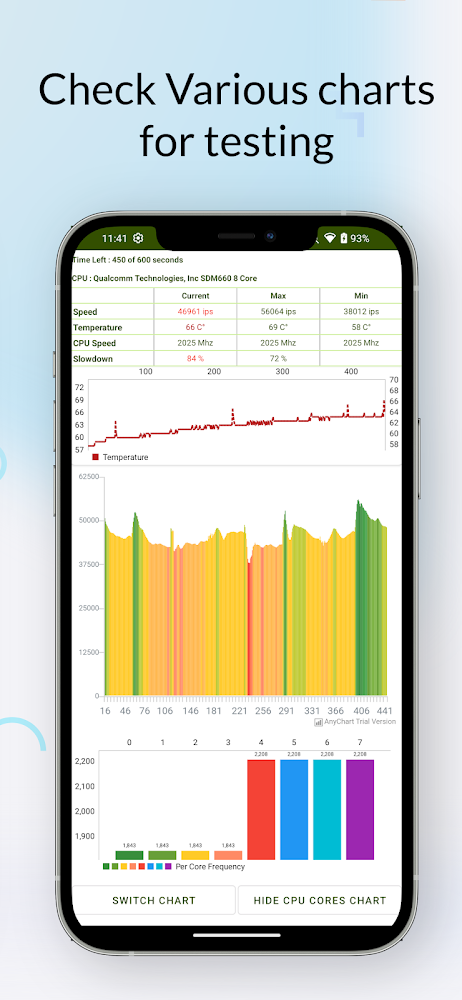
Games stutter and apps slow down after a few minutes of heavy use. This app puts a steady load on your CPU and charts what happens as the phone heats up, so you can see thermal throttling instead of guessing at it.
- ★ 4.57,816 ratings
- 500K+Downloads
- ToolsCategory
- Sep 23, 2026Last updated
Screenshots
Straight from the Google Play listing. Scroll sideways for more.
What it does
-
GIPS over time
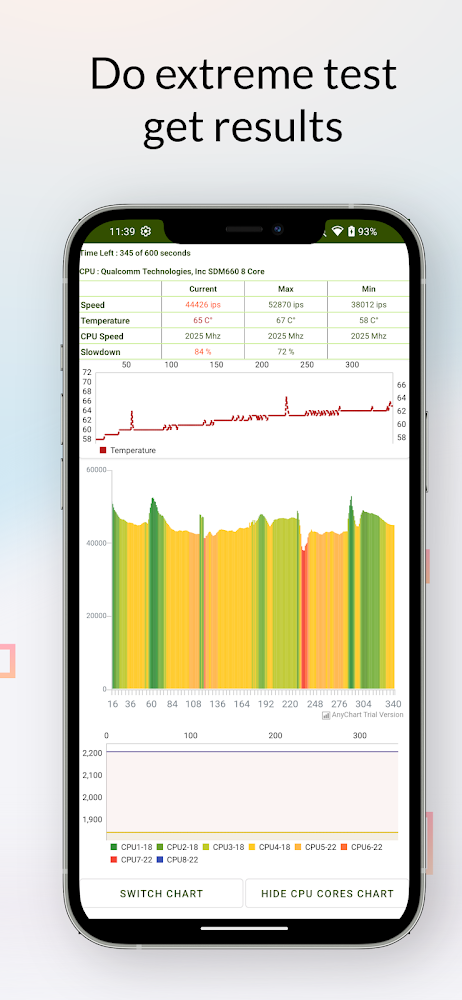
Tracks maximum, minimum and average GIPS (giga instructions per second) for the whole run, so the drop is plain to see.
-
Live monitoring
Watch CPU usage, GIPS and clock speeds update in real time while the test runs.
-
Throttling measured
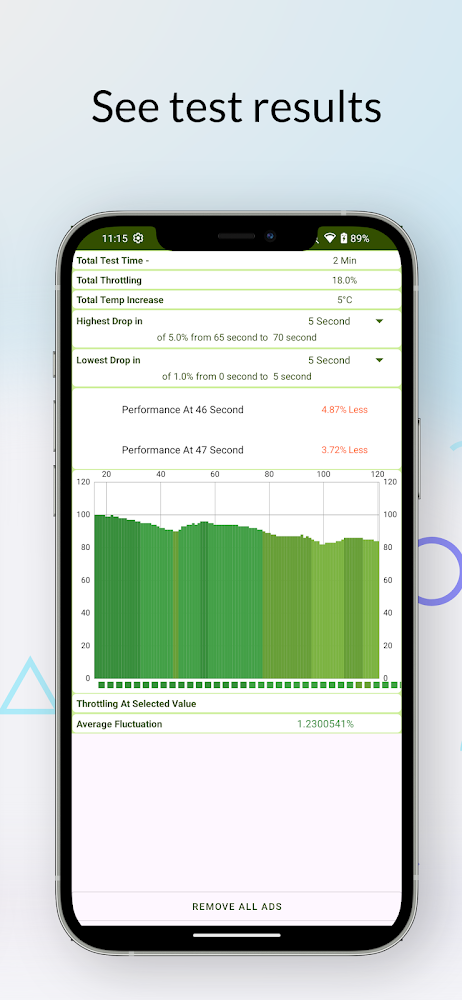
Find out how far performance falls once the chip gets hot, and how quickly it happens.
-
Scoreboard
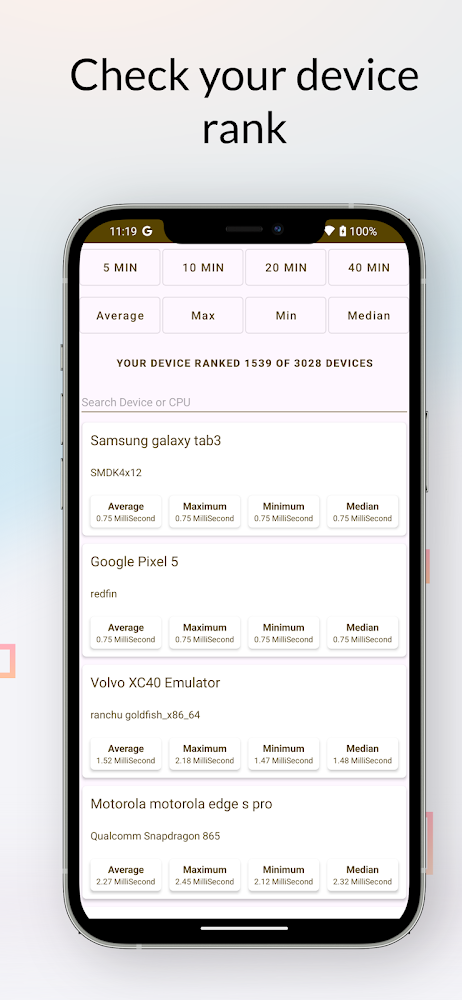
Compare your result with other people running the same or similar phones.
-
Several test lengths
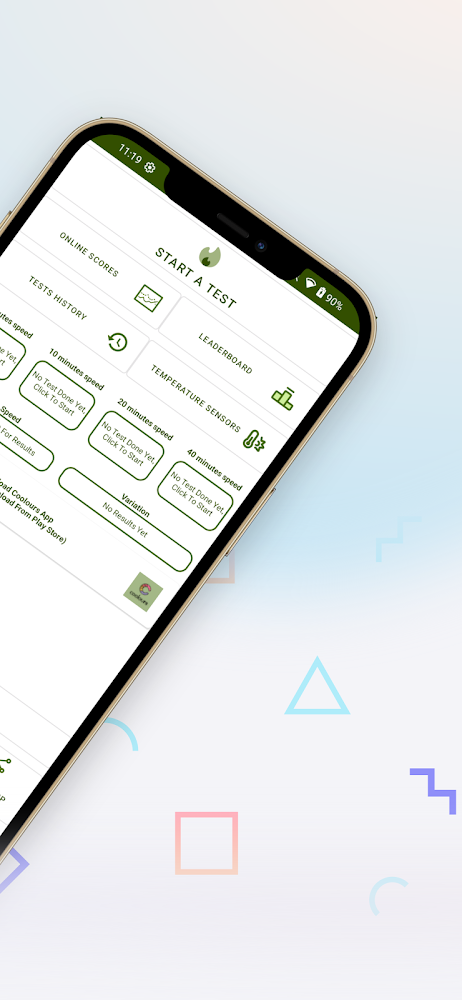
A 5-minute test is free. 10, 20 and 40-minute runs are in the Pro version.
-
Made in India
Designed and built from the ground up in India by an independent developer.
Getting an accurate result
- Let it coolLeave the phone alone for at least 10 minutes before you start.
- Close background appsAnything else running will skew the numbers.
- Run 20 minutesThe 20-minute test gives the most useful picture of sustained performance.
Longer tests use more battery and make the phone warm. That is expected, since the heat is what the test measures.
Questions
What is thermal throttling?
When a phone’s chip gets too hot, the system lowers its clock speed to protect the hardware. Performance drops until it cools down. This app measures how big that drop is.
Which test length should I use?
The 20-minute test is recommended for a detailed analysis. The free 5-minute test is fine for a quick check.
Is the app free?
Yes. The 5-minute test is free, and the longer 10, 20 and 40-minute tests are in the Pro version. The app contains ads and offers in-app purchases.