Android · Productivity
Focus Timer for Study & Work
Run 25-minute focus sessions with short and long breaks, and keep a record of every one. Attach sessions to tasks, see each day on a calendar, and check reports showing where your time actually went.
- ★ 4.813 ratings
- 5K+Downloads
- ProductivityCategory
- Aug 25, 2026Last updated
Screenshots
Straight from the Google Play listing. Scroll sideways for more.
What it does
-
Pomodoro timer
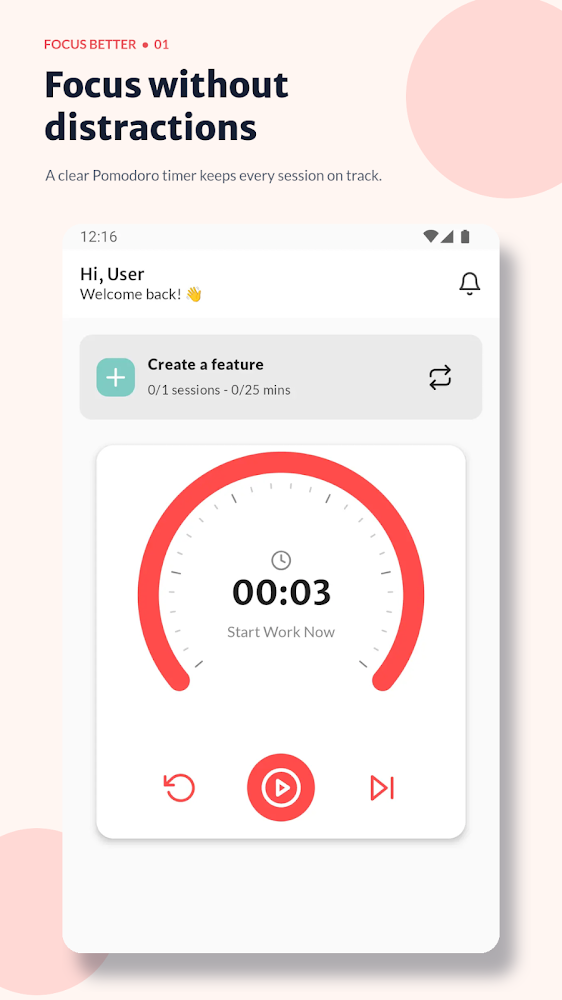
25 minutes of work, a 5-minute break, and a 30-minute break after every four sessions. Start, pause, reset and skip from the main screen.
-
Your own lengths
Change session and break lengths for shorter sprints or longer deep-work blocks.
-
Runs in the background
Lock the phone or leave the app. Pause or stop from the notification without losing progress.
-
Tasks and projects
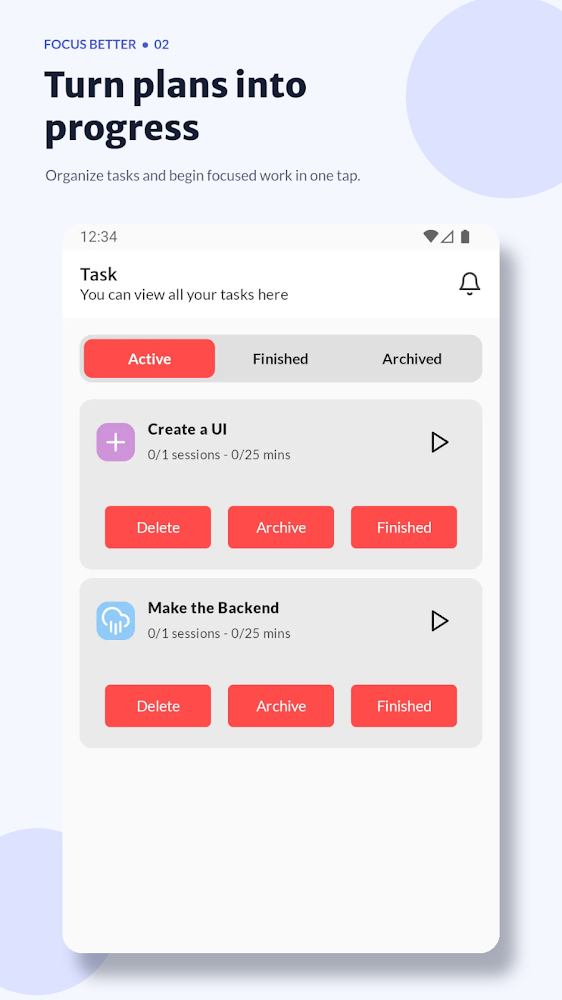
Plan sessions per task, see live progress like 2/4 sessions, group tasks into projects and set recurring weekdays.
-
Calendar history
Every completed session is logged to its date. Open a day to see tasks, time worked and session count.
-
Reports
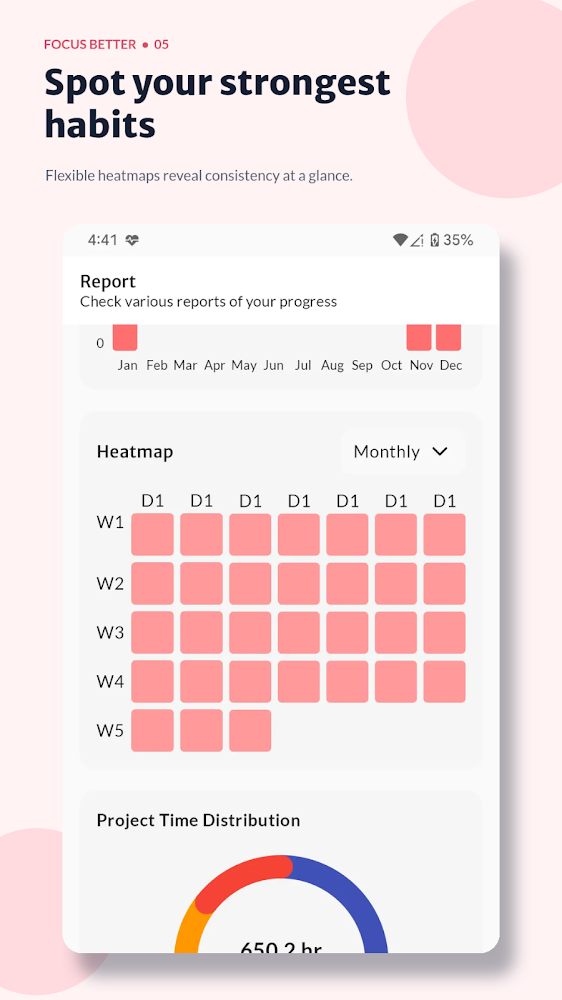
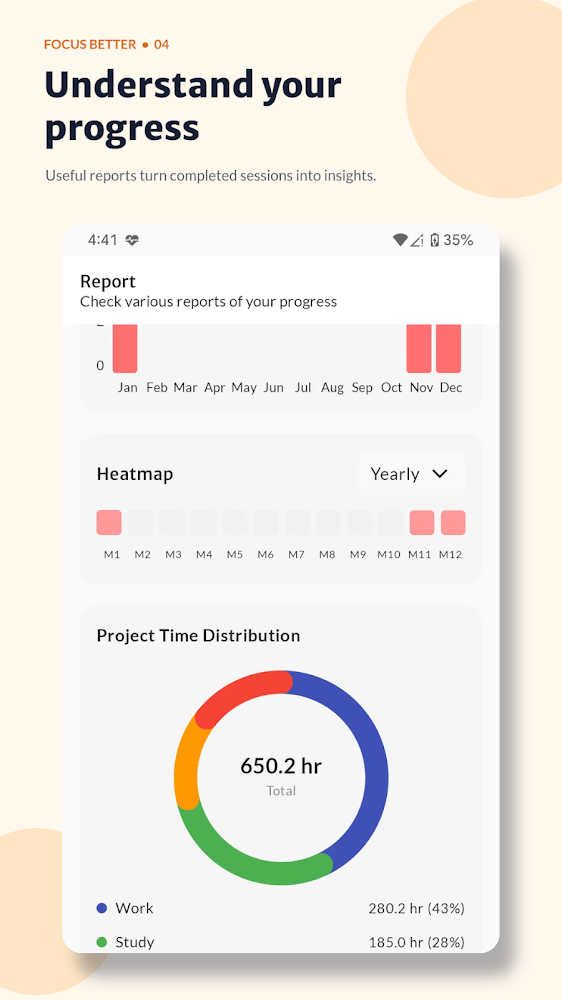
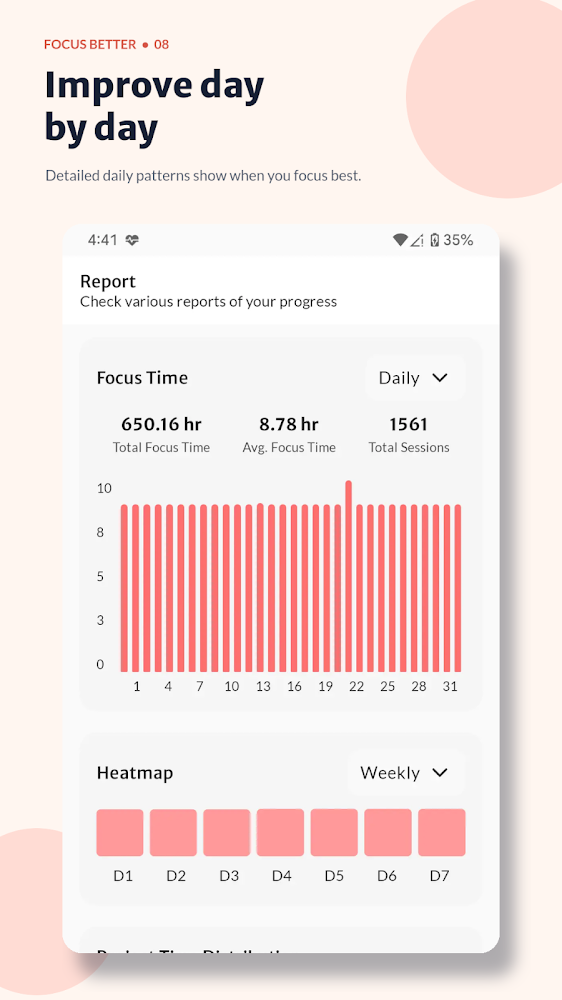
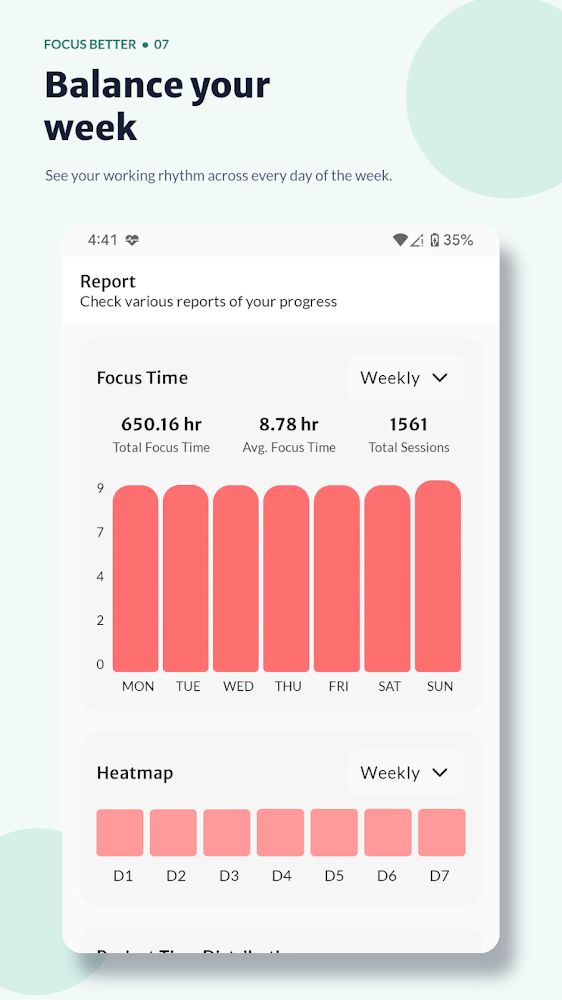
Total and average focus time, activity charts, a heatmap of days worked and a breakdown by project.
-
Focus sounds
White noise, ambient sounds and soundscapes to block out distractions during a session.
-
Reminders and themes
An optional daily reminder, plus light and dark themes.
-
Built for study or work
Works as a study planner for exams and assignments, or a work timer for coding, writing and client work.
Why a timed session helps
- Lower the barrierYou’re not committing to finishing a whole chapter or project, just one focused 25-minute block.
- Build momentumOne session is often enough to get going, and the next one is easier.
- See the real pictureThe calendar and reports show how your focused time was actually spent.
Questions
Can I change the 25/5 timings?
Yes. Session and break lengths are fully customisable.
Does the timer keep running if I lock my phone?
Yes. It runs in the background, and you can pause or stop it from the notification.
Who is it for?
Students preparing for exams, developers and designers, writers, freelancers tracking client time, and anyone who wants structure in their day.
Is it free?
It is free to download. It contains ads and offers in-app purchases.